
Open-Source AI Voice Studio Voicebox Crosses 35,000 GitHub Stars
Developer Jamie Pine's open-source repository Voicebox spiked in popularity on GitHub, crossing 35,000 stars. Written in TypeScript and built with Tauri and Rust, the local-first application combines zero-shot voice cloning across seven text-to-speech engines with system-wide dictation. The software runs fully offline on macOS, Windows, and Linux, allowing users to give Model Context Protocol (MCP)-aware AI agents custom cloned voices under an open-source license.
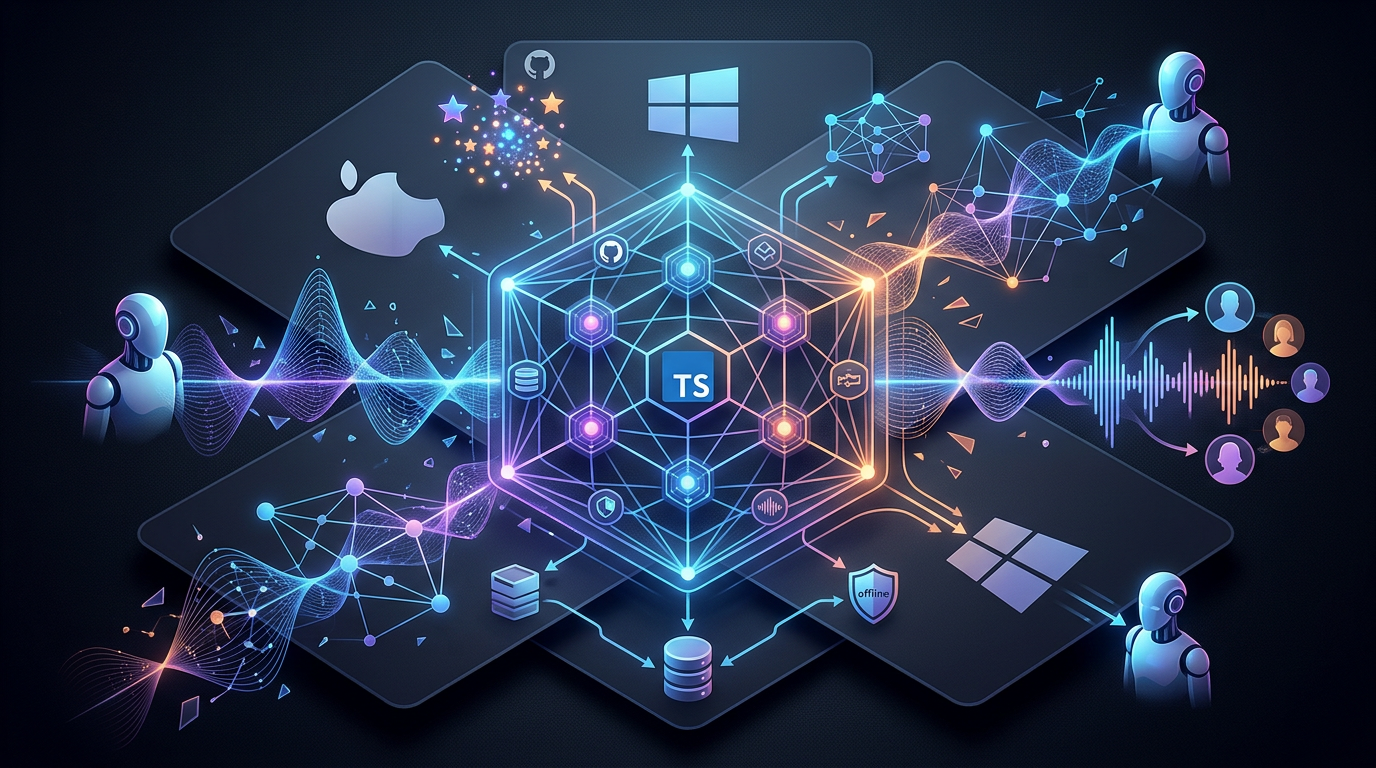
Voicebox, an open-source local voice synthesis and dictation studio developed by Jamie Pine, has crossed 35,000 stars on GitHub as developer interest in local-first AI tools increases. The application, released under the MIT license, allows users to clone voices and generate speech completely offline on macOS, Windows, and Linux. By integrating system-wide dictation with the Model Context Protocol (MCP), Voicebox enables users to give AI agents custom cloned voices without relying on cloud-based APIs.
Zero-Shot Voice Cloning and Multi-Engine Synthesis
The core output workflow of Voicebox relies on zero-shot voice cloning, which replicates a target voice using only a short audio sample. While traditional voice cloning requires hours of recorded speech and substantial training time, zero-shot models analyze the acoustic characteristics of a brief reference clip on the fly to guide text-to-speech generation.
To clone a voice profile:
- Navigate to the Voices tab in the desktop application.
- Click New Profile to start the creation process.
- Import or record a clean audio sample of 10 to 30 seconds.
- Name the profile, establishing a local identifier that can be queried by external tools and agents.
According to the project documentation, Voicebox integrates seven distinct local text-to-speech engines, each optimized for different hardware profiles and synthesis requirements:
- Kokoro 82M: Runs in real-time on standard CPUs with negligible VRAM requirements.
- Qwen3-TTS: Optimizes voice preservation and cloning accuracy.
- Qwen CustomVoice: Offers natural-language delivery control and includes over 50 curated preset voices.
- Chatterbox Turbo: Parses expressive, paralinguistic tags such as
[laugh],[sigh], and[gasp]. - HumeAI TADA: Minimizes vocal drift, maintaining coherence across long-form audio outputs exceeding 700 seconds.
- Chatterbox Multilingual: Handles diverse accents and phonetic variations.
- LuxTTS: Focuses on low-latency local speech generation.
The application natively supports speech generation across 23 languages, including English, Arabic, Japanese, Hindi, and Swahili.
Bridging AI Agents with the Model Context Protocol
Voicebox includes a built-in Model Context Protocol (MCP) server that listens locally on the host machine. Developed as an open standard, MCP allows AI developer tools, editors, and terminal assistants to securely trigger local capabilities.
By running the local server on http://127.0.0.1:17493/mcp, developers can integrate custom voices into popular environments like Cursor, Claude Code, Windsurf, and Cline. The MCP server exposes four primary tools:
voicebox.speak— Synthesizes and plays text in any local voice profile, with an optional pass through the profile’s dedicated local LLM persona.voicebox.transcribe— Converts base64 audio blobs or local audio files to text using local Whisper execution.voicebox.list_captures— Retrieves recent system-wide dictation captures and their associated transcripts.voicebox.list_profiles— Returns available voice profiles, including cloned voices and integrated presets.
To help bridge the input and output processes, the software bundles a local Large Language Model (LLM). This model allows users to attach free-form “personas” to specific voice profiles, enabling the local system to automatically rewrite or refine an agent’s response before sending it to the text-to-speech engine. When an agent speaks, a floating visual overlay displays the upcoming speech queue on the host screen.
System-Wide Dictation and Local Whisper Transcription
Beyond generating speech, Voicebox serves as a local alternative to cloud-based dictation tools by processing voice inputs system-wide. Users can trigger transcription with a customizable global push-to-talk hotkey. When the key is released, the local engine transcribes the audio and pastes the text directly into the active text field of any open application.
The application configures the following default hotkey triggers:
- macOS:
right-Cmd+right-Option(or holding theFnkey) - Windows:
right-Ctrl+right-Shift
The underlying transcription is powered by OpenAI Whisper running entirely on local hardware. The backend utilizes specific acceleration libraries based on the operating system:
- macOS: Employs Apple Silicon’s MLX framework and Metal graphics acceleration.
- Windows and Linux: Utilizes PyTorch to tap into acceleration runtimes including NVIDIA CUDA, AMD ROCm, and DirectML, with a standard CPU fallback.
Decoupled Architecture of Tauri, Rust, and FastAPI
To maintain a highly responsive user interface without the high memory footprint typical of Electron-based desktop applications, Voicebox uses a decoupled architecture.
The frontend is built using Tauri, a framework that renders the user interface using the operating system’s native webview. Tauri’s core is written in Rust, which handles system-level interactions, file access, and security boundaries.
To execute machine learning models without blocking the UI thread, Voicebox isolates the interface from the synthesis engine:
- The TypeScript-based frontend communicates with the Python FastAPI backend via a local API layer, issuing standardized data payloads to the server.
- The independent Python FastAPI backend executes the neural networks, managing heavy GPU or CPU tensor operations.
- This process isolation ensures the user interface remains responsive and interactive even when the underlying hardware is running at maximum processing capacity during model inference.
For developers wishing to run the backend as a containerized service, Voicebox provides a Docker Compose configuration that maps host graphics devices to the backend:
git clone https://github.com/jamiepine/voicebox.git
cd voicebox
docker compose up
This binds the backend to port 17493 on localhost, allowing other applications or local agents to access the REST API.
VRAM Management and Segmented Synthesis
Running modern text-to-speech models locally presents significant resource challenges, particularly regarding Video RAM (VRAM) consumption. Processing long scripts or complete book chapters in a single inference pass can exhaust hardware memory, resulting in application failures or operating system instability.
To safeguard system resources, Voicebox implements automatic task serialization and text chunking:
- The backend automatically splits incoming text payloads into smaller, mathematically optimized segments.
- Each text segment is synthesized sequentially, allowing the engine to dynamically allocate and purge VRAM buffers between runs.
- Once all segments are processed, Voicebox digitally stitches the resulting audio files together using crossfades to remove abrupt transitions.
Multi-Track Narrative Editing and Digital Signal Processing
The application contains a multi-track Stories editor modeled after traditional digital audio workstations (DAWs). This timeline editor allows users to arrange, sequence, and layer multiple audio tracks on local hardware, making it possible to produce multi-character dialogues, podcasts, or structured narratives entirely offline.
Users can assign different voice profiles to separate tracks and apply a built-in digital signal processing (DSP) pipeline directly within the application. Available audio effects include:
- Pitch shifting
- Reverb and delay
- Chorus and compression
- High-pass and low-pass frequency filtration
These built-in post-processing tools allow users to simulate physical environments, such as a room or a studio space, and export finalized multi-track projects directly to local disk without utilizing external DAW software.
- #Voice AI

Author
Raman V
Contributor
Enterprise Solutions Leader is a transformation expert with over 15 years of experience in the IT industry working with Fortune 500 companies. With a solid foundation in large-scale application development and enterprise modernization, he excels at architecting robust, scalable platforms that drive operational efficiency.