
Cloudflare Open-Sources Cloudflare OS Enterprise AI Agent Platform
Cloudflare open-sourced Cloudflare OS, its internal enterprise AI agent workspace platform running on Cloudflare Workers. The software combines capability-based security Gatekeepers, per-user private app execution environments, and organizational context tracking to execute automated tasks. The repository is available on GitHub under the Apache 2.0 license, alongside an example starter deployment configuration.
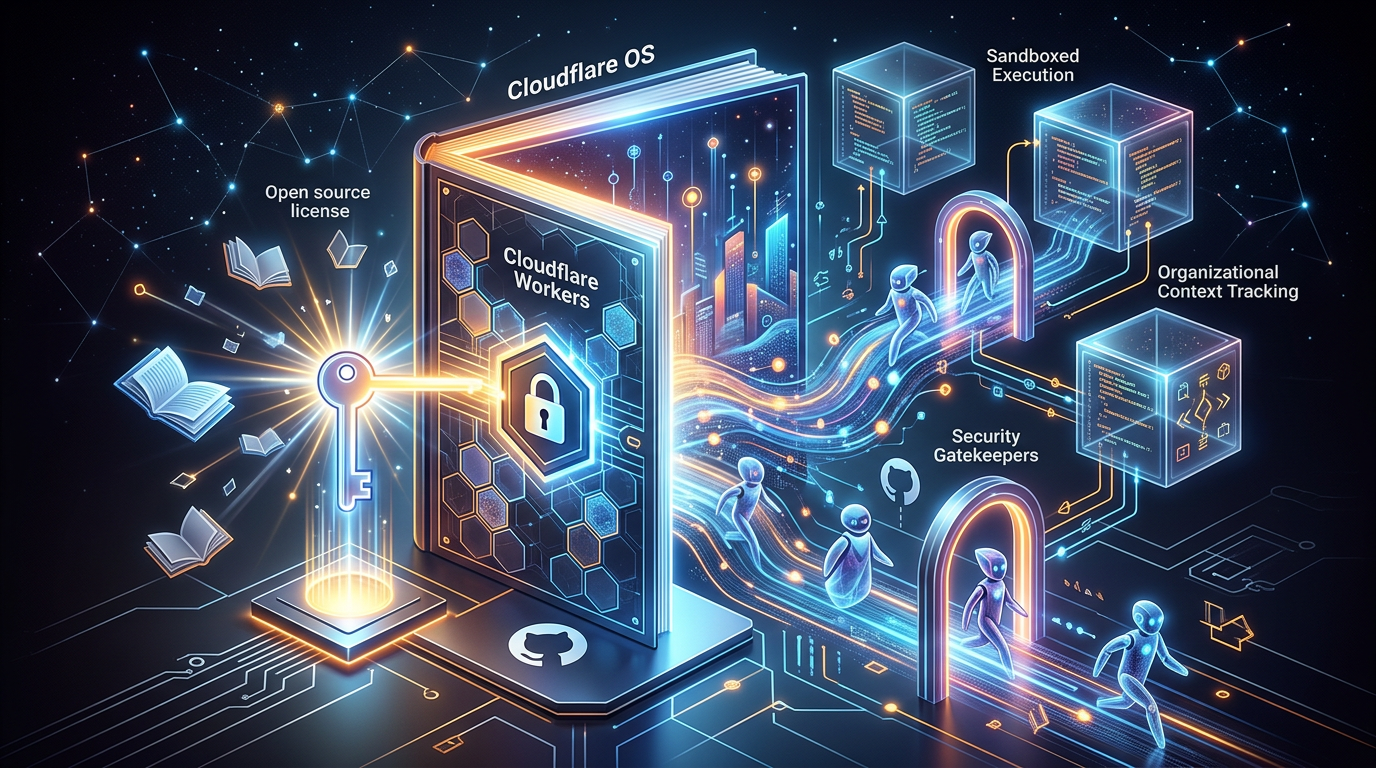
Cloudflare has open-sourced Cloudflare OS, its internal enterprise workspace platform designed to manage AI agents, build small internal applications, and automate corporate workflows. Published under the Apache 2.0 license on GitHub, the software runs on Cloudflare Workers and combines capability-based security proxies called Gatekeepers, sandboxed per-user execution environments, and organizational context tracking. The release includes a starter deployment template configured to mirror Cloudflare’s internal infrastructure.
How Cloudflare OS Isolates AI Agents and Workspaces
Cloudflare OS provides a browser-based workspace where employees interact with general-purpose AI agents to complete multi-step tasks. Rather than relying on a single central server, each individual workspace operates as a standalone Durable Object on the Cloudflare Workers platform.
Agents execute tasks using a “Code Mode” mechanism, writing and running TypeScript code in real time to interact with files, build interfaces, or manipulate data. To prevent unvetted code from compromising underlying systems, the execution runtime enforces strict isolation boundaries:
- Server-side code runs as a Dynamic Worker and is instantiated as a Durable Object Facet—two separate Cloudflare Workers runtime features created for this project.
- Outbound network connections from server-side environments are disabled by default.
- Client-side components render within isolated browser frames, preventing workspace tasks from reaching local networks or external services directly.
Capability-Based Security Proxies and Credential Management
Enterprise security controls in Cloudflare OS rely on zero-trust permissions. Agents and workspaces start with no initial network access or system permissions. Every interaction with external tools—such as databases, issue trackers, or third-party APIs—must pass through specialized service-specific Workers called Gatekeepers.
A Gatekeeper sits between the workspace execution environment and the target service. It manages OAuth authentication, retains underlying API keys, and enforces strict operational policies set by administrators. Under this model, an agent never accesses raw secrets or long-lived authentication tokens.
Administrators can scope a Gatekeeper to enforce fine-grained operational policies, including:
- Granting partial access to specific resources, such as letting an agent read issue tickets while blocking access to repository source code
- Masking sensitive database fields or records
- Applying operational rate limits
- Requiring human approval before committing write operations
Inter-process communication between workspaces, tools, and sandboxed environments uses Cap’n Web, an open-source object-capability RPC protocol. Model requests are routed through Cloudflare AI Gateway, enabling organizations to configure distinct model backends per task and monitor token expenditure across the enterprise.
Data Lineage and Permission Enforcement via Observation Logging
To prevent information exposure when users share agent-generated outputs, Cloudflare OS implements an internal observation log. When an agent reads data from a connected system, the platform records the exact resources accessed and attaches that audit trail to the resulting artifact.
If an agent queries a restricted database table to build a live reporting interface, the underlying resource record remains attached to that output. When a secondary user views the artifact, Cloudflare OS verifies whether that specific user possesses permission to read the original source table. If the viewer lacks access, the system hides the data, preventing agents from acting as unintended side channels for privilege escalation.
The platform also supports existing external tools through Model Context Protocol (MCP) Server Portals, allowing organizations to integrate standard tool definitions into Gatekeeper-managed environments.
Local Execution and Deployment Options
In addition to running on Cloudflare’s global edge network, the platform supports local execution on workerd, Cloudflare’s open-source JavaScript/WebAssembly Workers runtime. Developers can evaluate or customize the codebase locally using standard JavaScript package managers.
To launch a local instance on a development machine:
- Install dependencies using the
pnpmpackage manager. - Execute the local startup command:
pnpm run-localThe command uses pnpm to invoke Wrangler and workerd under the hood, initializing the workspace engine locally at http://localhost:8787. The open-source release includes both the core platform repository and a starter template repository configured to mirror Cloudflare’s internal deployment setup.
- #Opensource

Author
Krishnan
Contributor
Enterprise Technology Explorer is a business and operations professional with over 15 years of experience across multiple industries working with Fortune 500 companies. With a solid foundation in enterprise processes, digital adoption, and technology evaluation, he excels at bridging business needs with emerging technologies to build scalable enterprise-grade applications.