
OpenMontage: Open-Source System Turns AI Coding Assistants into Video Production Studios
Calesthio AI Labs has released OpenMontage, an open-source, agentic video production system designed to run through AI coding assistants. Written primarily in Python and licensed under the GNU Affero General Public License v3.0, the framework automates end-to-end video production
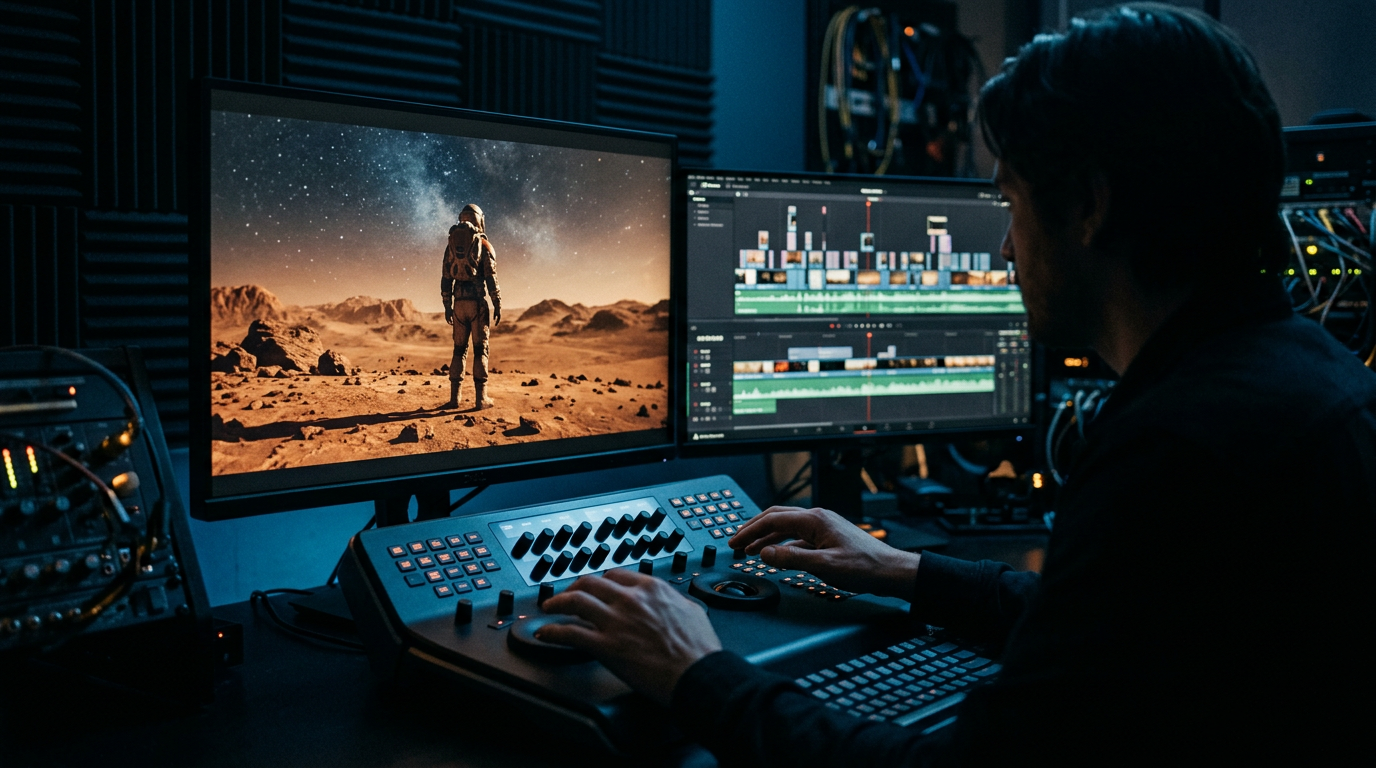
Calesthio AI Labs has released OpenMontage, an open-source, agentic video production system designed to run through AI coding assistants. Written primarily in Python and licensed under the GNU Affero General Public License v3.0, the framework automates end-to-end video production workflows—from initial research, scripting, and asset generation to timeline editing and final rendering. Rather than producing single, disjointed clips from prompt inputs, OpenMontage connects multiple local and cloud-based tools into structured pipelines, enabling users to direct a fully automated digital studio using plain language.
Orchestrating Video Production with 12 Pre-Defined Pipelines
Rather than generating isolated video clips, OpenMontage offers a systematic framework containing 12 pre-defined pipelines, 52 software tools, and over 500 distinct agent skills. These elements allow the system to coordinate complex visual and auditory layouts.
The framework supports two distinct operational modes for asset creation:
- Image-Based Animations: The system can build visual narratives using motionless imagery, such as FLUX or Stable Diffusion outputs, combining them with multi-image crossfades, camera movements (including zoom, pan, and Ken Burns effects), particle overlays (such as sparkles, petals, or fireflies), and ambient audio.
- Real Motion Workflows: For video-heavy content, the agent can search and retrieve real motion clips. It constructs a localized media corpus from open archives and free stock footage, ranks them semantically, crops and edits them into a timeline, and outputs a finished cinematic file.
The templates for these workflows are defined via YAML configuration files located in the pipeline_defs/ directory, which includes:
animated-explainer.yamlanimation.yamlavatar-spokesperson.yamlcharacter-animation.yamlcinematic.yamlclip-factory.yamldocumentary-montage.yamlframework-smoke.yamlhybrid.yamllocalization-dub.yamlpodcast-repurpose.yamlscreen-demo.yamltalking-head.yaml
An Agent-First Architecture Powered by Coding Assistants
Traditional software often relies on a rigid, hardcoded execution model, but OpenMontage uses an agentic architecture designed specifically to be driven by a developer’s active AI coding assistant. The system works with environments such as Claude Code, Cursor, GitHub Copilot, Windsurf, or Codex. The AI assistant acts as the central coordinator, reading user goals, parsing instructional files, and invoking local tools and code blocks to execute the project.
The code makeup of OpenMontage is primarily:
- Python (89%): Used to provide tool execution, asset management, local workflows, and data persistence.
- TypeScript (9%) and JavaScript (1%): Leveraged within the programmatic video editing framework Remotion to handle timeline compositions, visual transitions, and final rendering.
Specific configuration environments and rule definitions are housed within designated directories to direct the agent’s behavior:
.agents/skills/.claude/skills/.cursor/rules/.windsurfrules.github/copilot-instructions.md
Reference-Based Planning and Creative Control
A key feature of OpenMontage is its ability to ingest an existing reference video to kickstart a new production. Users can paste a link from YouTube (including Shorts), Instagram Reels, TikTok, or a local media file. The agent performs a multi-dimensional analysis of the reference material, evaluating:
- Transcript and dialogue structure.
- Visual pacing and scene transitions.
- Keyframe composition.
- Overall aesthetic style.
Following this analysis, the agent generates two to three differentiated concepts and presents them to the user. Along with these concepts, the agent outlines an honest tool path, estimates API costs for the target video duration, and renders a brief sample before full production begins.
Once the user approves the plan, the agent initiates its production tasks: it conducts live web research, drafts script dialogue, directs vocal inflections, selects royalty-free background music, and generates word-level subtitles using WhisperX.
Demonstrated Cost and Performance Metrics
The system’s documentation highlights several diverse use cases, demonstrating its automated pipelines alongside exact cost breakdowns for API usage:
- Cinematic Sci-Fi Trailer (“SIGNAL FROM TOMORROW”): A cinematic teaser generated through OpenMontage that manages the entire creative pipeline—from initial concept and script writing to Veo-generated motion clips, a synthesized soundtrack, and final Remotion composition.
- Animated Character Short (“THE LAST BANANA”): A 60-second Pixar-style animation that integrates six Kling v3-generated motion clips (accessed via fal.ai), Google Chirp3-HD narration, royalty-free piano accompaniment, and TikTok-style word-level captions. The total API cost for this video was $1.33.
- Product Advertisement (“VOID — Neural Interface”): Produced utilizing only an OpenAI API key. The agent generated four images via
gpt-image-1, synthesized TTS narration, sourced royalty-free music, applied WhisperX for word-level subtitles, and rendered programmatic data visualizations in Remotion for a total cost of $0.69. - Anime-Style Motionless Montages (“Afternoon in Candyland”, “Mori no Seishin”, and “Into the Abyss”): These Ghibli-style projects demonstrate how the system can animate still images without relying on video generation APIs. Using 12 FLUX-generated static images, the system applies Remotion’s animation engine to introduce parallax crossfades, camera drifts, and active particle overlays (such as mist, sparkles, or fireflies). Each of these videos was compiled for an API cost of $0.15.
Automated Quality Guardrails in the Python Library
To govern the creative and technical execution of each stage, OpenMontage relies on a specialized suite of Python modules located in the lib/ directory. These tools act as automated guardrails to verify that the final product adheres to professional video standards:
lib/delivery_promise.py: Audits the completed video to ensure it meets the technical specifications and stylistic objectives promised during the initial analysis phase.lib/slideshow_risk.py: Identifies whether a video has become too static, warning the agent if it relies too heavily on static images rather than active video files.lib/verify_scene_pacing.py: Aligns visual transitions with audio cues and narration track timings to ensure smooth pacing.lib/variation_checker.py: Analyzes generated scenes for visual repetition or identical compositions, flagging them for corrections.lib/shot_prompt_builder.py: Translates narrative scenes into descriptive visual prompts optimized for external AI generation engines.lib/checkpoint.py: Implements state persistence throughout the rendering cycle, allowing the system to resume operations from the last successful stage if an error occurs.lib/source_media_review.py: Performs semantic reviews of pulled source footage.lib/hyperframes_style_bridge.py: Bridges image-generation styling constraints.
Multi-Point Review and Multi-Provider Integrations
Before outputting the final video, OpenMontage runs an automated, multi-point self-review checklist. This check is designed to catch technical glitches and rendering errors before human inspection:
- ffprobe Validation: Verifies the structural container, resolution, framerate, and metadata of the rendered media file.
- Frame Sampling: Extracts random frame captures to detect rendering anomalies, black frames, or visual corruption.
- Audio Level Analysis: Checks sound levels and detects imbalances between background tracks and dialogue.
- Subtitle Checks: Evaluates the formatting and layout of burned-in subtitles.
- Delivery Promise Verification: Confirms that all scenes mapped in the production plan are present and complete.
Every API or tool choice made during production is scored across seven distinct dimensions, establishing an auditable decision log. OpenMontage connects to multiple external generation platforms, including OpenAI, Stable Diffusion, FLUX, and ElevenLabs. This dual compatibility allows developers to choose between commercial cloud services and local, open-source alternatives.
System Setup and Installation
To deploy OpenMontage locally, developers require a system environment with Python 3.10 or higher, FFmpeg, and Node.js 18 or higher, alongside an active AI coding environment.
The standard installation utilizes a Makefile:
git clone https://github.com/calesthio/OpenMontage.git
cd OpenMontage
make setup
If the host system does not support the make utility, the installation can be completed manually:
pip install -r requirements.txt
cd remotion-composer
npm install
cd ..
pip install piper-tts
cp .env.example .env
(Note: On Windows machines, if the npm install command fails with an ERR_INVALID_ARG_TYPE error, developers can use npx --yes npm install as an alternative.)
Source: View on GitHub
- #Opensource

Author
Krishnan
Contributor
Enterprise Technology Explorer is a business and operations professional with over 15 years of experience across multiple industries working with Fortune 500 companies. With a solid foundation in enterprise processes, digital adoption, and technology evaluation, he excels at bridging business needs with emerging technologies to build scalable enterprise-grade applications.